
A large share of technical material is not in our own language. Conference talks on YouTube, courses on Udemy or Coursera, live demos: if you wait for translated versions, you learn things a year late, when they arrive at all.
Automatic subtitles help, but they move the problem rather than solve it. Reading subtitles while watching code on screen asks your eyes to be in two places at once. Over an hour-long talk, fatigue wins.
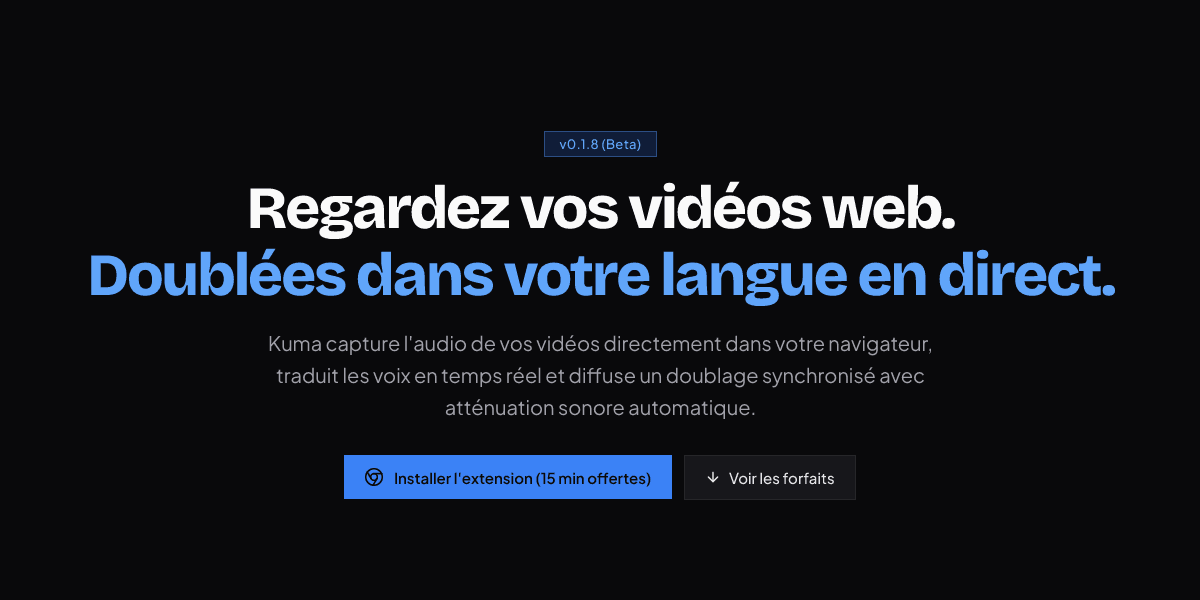
Kuma approaches it from the other end: instead of displaying text, the extension dubs the voice live. Its promise: "Watch your web videos, dubbed into your language, live."
Any language, both ways
This is what sets it apart from usual subtitling tools: Kuma is not limited to one source language. Any language in, any language out.
In practice, a talk in English, a course in Spanish or a demo in German all become available in the language you pick. It is no longer about "understanding English", it removes the language question altogether.
The supported platforms cover most of what you watch to learn:
- YouTube, for talks and demos.
- Udemy and Coursera, for online courses.
- Twitch, for live sessions.
Why latency matters
Kuma advertises under 800 ms of latency.
That number is not a marketing detail. Beyond roughly a second, the translated voice drifts away from what is on screen: the speaker points at a line of code, and you hear the matching comment too late. Below that threshold, the dubbing stays in sync with the demo, which is exactly the use case.
It is also what makes the tool usable on a live stream, where there is no translated version to wait for.
Automatic audio ducking
The extension lowers the original sound while the translated voice speaks, instead of layering the two.
Without that mechanism you get two competing voices and an unlistenable result. With it, the original voice stays in the background — you still catch the speaker's tone, pauses and emphasis, which carry part of the meaning.
A lightweight extension
Kuma is built on Manifest V3, with contained memory usage.
That matters: an extension processing audio continuously runs for the whole length of a video, usually alongside a code editor and a dozen tabs. A greedy extension gets uninstalled fast.
Where the project stands
The tool is in beta, version 0.1.8 on Firefox. Chrome, Edge, Brave and Opera are announced.
A free 15-minute trial lets you judge it on a real video, which is the right way to judge: the quality of automatic dubbing shows on technical content, with its vocabulary and proper nouns, not on a hand-picked demo.
After that, plans start at $9.99 per month.